Online reservations
Restaurant Reservation Widget Checklist for Independent Operators
A reservation widget should reflect the realities of service, not create promises the floor cannot keep. Use this checklist to assess booking rules, guest messages, and host workflows.
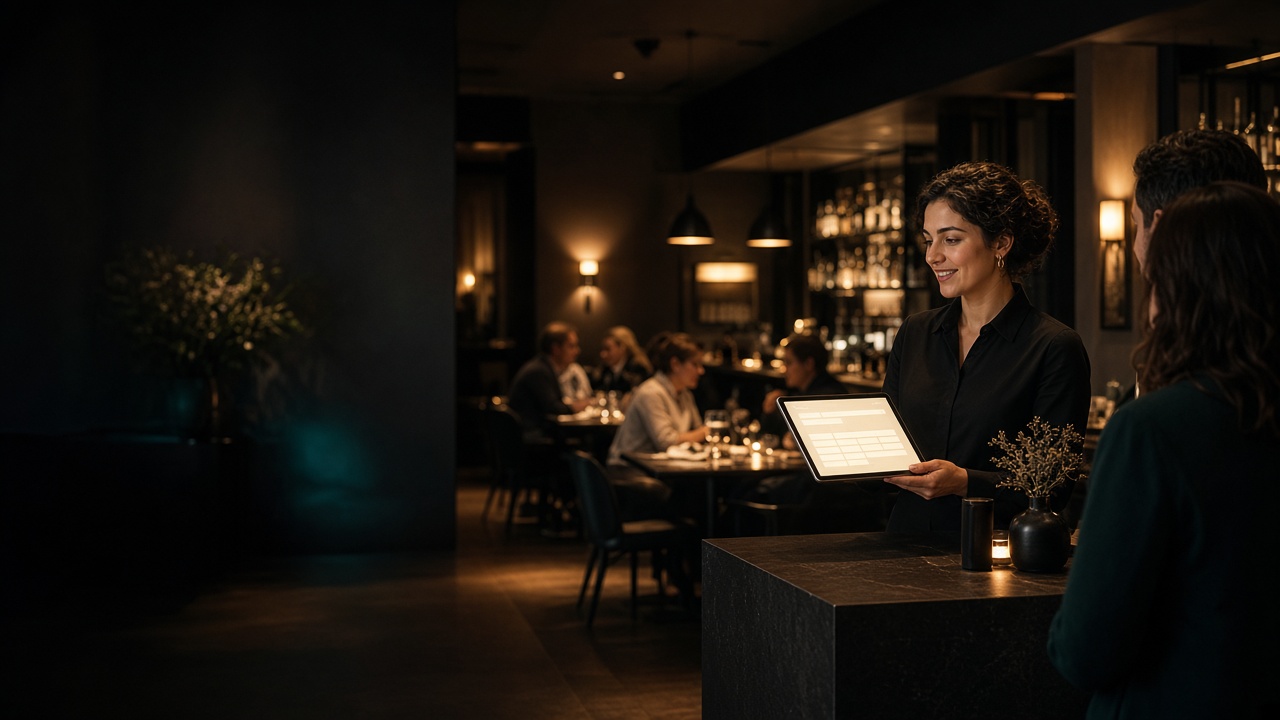
A reservation widget gives guests a convenient way to request a table, but convenience is only half the job. The booking experience also needs to respect how your restaurant actually operates: when you serve, how much notice you need, how far ahead you plan, and which party sizes you can reliably accommodate.
For an independent restaurant, the right question is not simply, “Can guests book online?” It is, “Can the team honor the bookings this system accepts?”
Start with the promises your dining room can keep
Every available time shown to a guest becomes an operational promise. Before configuring a widget, write down the boundaries your host, kitchen, and floor team need.
At minimum, review:
- Service hours: The periods when reservations should be available, which may differ from posted opening hours.
- Lead time: How much notice the team needs before a guest can arrive.
- Booking horizon: How many days or weeks into the future guests may reserve.
- Party limits: The smallest and largest parties the standard booking flow should accept.
- Guest communication: What confirmation and reminder messages guests should receive.
- Management workflow: Where employees will review, update, and organize reservations.
Toasted Apps Reservations supports service hours, lead time, booking horizon, party limits, list and calendar management, confirmations, and reminders.
Separate opening hours from reservable hours
A restaurant may open at 4 p.m. without wanting a table booked at exactly 4 p.m. The team could still be finishing lineup, checking sections, or preparing the host stand.
The same issue appears near closing. Accepting a late reservation can affect kitchen shutdown, labor, and the time needed to reset the dining room.
Build service hours around the reservation experience you can consistently deliver rather than copying business hours without review.
A practical discussion with the team might include:
- When is the first table genuinely ready to be seated?
- When should the final reservation begin?
- Are lunch, dinner, brunch, and special events separate services?
- Do weekday and weekend services need different boundaries?
- Are there days when reservations should be unavailable even though another part of the restaurant remains open?
Choose lead time based on how the shift works
Lead time controls how close to arrival a guest may book. A short window can capture spontaneous demand, but it also gives the restaurant less time to notice the reservation and prepare.
Consider what happens when a same-hour booking arrives:
- Who sees it?
- Is that person consistently watching the reservation list?
- Does the host need to coordinate with a manager before accepting a larger party?
- Could a reservation arrive while the host is seating guests or answering the phone?
If the team cannot reliably notice and act on a last-minute booking, use a longer lead time. Guests can still call about immediate availability, allowing an employee to consider the current dining room rather than relying only on a preset rule.
Keep the booking horizon operationally useful
Allowing reservations far into the future gives guests flexibility, but it can also create commitments before staffing, private events, holiday hours, or maintenance plans are settled.
A shorter booking horizon reduces those unknowns. The tradeoff is that guests planning celebrations or travel may not be able to reserve as early as they would like.
Choose a horizon your managers can maintain. Then establish a recurring task to review newly opened dates for closures, unusual service hours, and events.
Route large parties into a separate conversation
A standard reservation widget works best when the booking fits the restaurant’s normal service pattern. Large parties often require additional decisions about seating, timing, menu options, or staffing.
Set the online party limit at a size the restaurant can accept without extra discussion. For requests above that limit, provide a clear way to contact the restaurant.
This does not mean every larger party should be declined. It means the restaurant should evaluate the request before making a commitment.
Treat confirmations and reminders as communication tools
Confirmations reassure guests that their booking was recorded. Reminders can put the date, time, and party size back in front of them before service.
These messages are useful, but they do not eliminate mistakes, late arrivals, or no-shows. Review the wording from a guest’s perspective and make the important details easy to find.
Check whether the message clearly communicates:
- Restaurant name and location
- Reservation date and time
- Party size
- How to contact the restaurant
- What the guest should do if plans change
- Any arrival information the restaurant needs to share
Do not bury essential instructions in a long block of policy language. The message should help a guest verify the booking quickly.
Make sure the host workflow is shift-ready
A polished guest experience will not help if employees struggle to find or update a reservation during the rush. The internal workflow should be tested under realistic conditions.
Toasted Apps supports both list and calendar management. Whichever view the team uses, agree on a consistent process for:
- Reviewing the upcoming service
- Finding a guest quickly
- Recording changes
- Handling phone reservations alongside online bookings
- Communicating updates during a shift change
- Checking tomorrow’s reservations before today’s manager leaves
Write the process into host training. Avoid leaving each employee to invent a different method.
Use a configuration worksheet before launch
The following example is illustrative, not a recommended setup for every restaurant:
| Decision | Example setting | Question to verify |
|---|---|---|
| Dinner service | 5–9 p.m. | Can the first and last bookings be served well? |
| Lead time | 90 minutes | Will the host notice every eligible booking? |
| Booking horizon | 21 days | Are schedules and events known that far ahead? |
| Online party limit | 6 guests | Which requests need manager review? |
| Reminder timing | Before the reservation | Is the message early enough to be useful? |
| Daily review | Before lineup | Who owns this task each shift? |
The exact numbers matter less than the reasoning behind them. Document why each rule exists so managers know when a temporary change is appropriate.
Test the full path as both a guest and an employee
Do not stop after confirming that the booking form loads. Run several test reservations and follow each one through the restaurant’s workflow.
Guest-side checks
- Try to book before service starts and after it ends.
- Test the shortest permitted lead time.
- Attempt to book beyond the horizon.
- Check party sizes at, below, and above the limit.
- Read the confirmation and reminder content on a phone.
- Verify that the displayed date and time are unambiguous.
Restaurant-side checks
- Find each test booking in the management view.
- Review both list and calendar displays.
- Practice making a change during a simulated busy period.
- Confirm that the opening host knows where to review the day.
- Confirm that the closing manager knows how to review the next service.
Repeat the test whenever service hours or booking rules change.
Ask about features you should not assume
Reservation products vary. Before choosing one, identify any function your restaurant requires and verify it directly rather than assuming every widget includes it.
Questions may include:
- Does the restaurant need table assignments or floor-plan management?
- Is a waitlist required?
- Are deposits or card holds part of the booking policy?
- How are cancellations and changes handled?
- Does the restaurant need separate rules for multiple rooms or locations?
- What happens when internet access or a staff device is unavailable?
- How will reservation information be exported or retained if the restaurant changes systems?
These capabilities are not included in the approved Toasted Apps reservation facts provided here, so restaurants that require them should confirm current availability before committing.
Understand the Toasted Apps product boundary
Toasted Apps was created from problems Jameson Parker encountered while operating Greendale’s Panther Pub & Eatery in Greendale, Wisconsin.
The product does not replace Toast POS. Toasted Apps reads menu data from Toast using restaurant-supplied API credentials, while its reservation tools support the booking controls and management functions described above.
Toasted Apps is independent and is not affiliated with or endorsed by Toast, Inc.
Choose rules your team can maintain
A reservation widget should reduce avoidable back-and-forth without disconnecting online availability from dining-room reality. Start with conservative rules, test the complete workflow, and assign responsibility for reviewing reservations every service.
If the supported controls fit your operation, you can review Toasted Apps Reservations or start a trial.
Sources and further reading
This article was prepared with AI assistance and reviewed against Toasted Apps product facts and first-hand restaurant operating experience.