Digital menu boards
How to Keep Restaurant Digital Menu Boards Current Without Duplicate Entry
A practical workflow for keeping restaurant TV menus accurate when prices, taps, and availability change during a busy week.
Restaurant menu boards rarely become outdated because nobody cares. They become outdated because the restaurant is busy, the information lives in several places, and no one knows exactly which update should happen first.
A keg kicks during service. A supplier issue removes an entrée for the weekend. A manager adjusts a price in the point of sale, but the television still shows yesterday’s number. Each change is small, yet every extra place that must be edited creates another chance for the dining room and the register to disagree.
The most reliable solution is not a more complicated design process. It is a shorter operating process with one trusted source, clear ownership, and a quick review before publishing.
Choose one source of truth
Start by deciding where item names, prices, descriptions, and menu-group assignments are maintained. For restaurants using Toast POS, that source is often the Toast menu the team already relies on for ordering.
The important principle is simple: do not make staff maintain the same menu facts independently in a point of sale, a design file, a website document, and a signage account. A digital menu system can still apply its own layout and visual treatment, but the underlying facts should come from the operational source whenever possible.
Write down which fields are authoritative:
- Item name and customer-facing spelling
- Current selling price
- Menu group or category
- Availability
- Short description
- Dietary or style tags that staff have verified
Images, backgrounds, and promotional headlines may follow a separate creative workflow. Keeping those separate from core menu facts makes it easier to understand what must change when service conditions move quickly.
Define the events that require an update
“Keep the board current” is too vague to become a dependable staff habit. Define the specific events that trigger a review.
Common triggers include:
- A price changes in the point of sale
- A seasonal menu begins or ends
- A keg changes on a rotating tap list
- An item becomes unavailable for more than one service
- A daypart changes from lunch to dinner
- A promotion reaches its end date
- A private event needs a different screen playlist
For each trigger, identify who owns the source update and who confirms the screen. Those can be the same person in a small operation. What matters is that the responsibility is visible instead of assumed.
Design for the viewing distance
A menu that looks polished on a laptop can be difficult to read from a table. Before adding more items to a screen, stand where a guest stands and check the basics.
Use a clear hierarchy: category first, item name second, price easy to locate, and description only when it helps a guest make a decision. Avoid shrinking every line to preserve an arbitrary item count. Splitting a crowded menu across multiple screens or playlist slides is usually more useful than fitting everything into one dense composition.
Also test the least exciting content. Long item names, missing images, unusually high prices, and a category with only two items reveal layout problems more quickly than a carefully selected demo menu.
Use a short pre-publish checklist
A repeatable checklist catches more problems than an informal glance. Keep it short enough that a manager can use it during a normal shift.
- Compare displayed prices with the current POS menu.
- Confirm unavailable and expired items are absent.
- Check spelling, wrapping, and clipped descriptions.
- Verify each screen has the intended playlist.
- Confirm promotional dates and dayparts.
- View the result from the guest’s normal distance.
The goal is not a design approval meeting. It is a two-minute operational check that prevents a guest from seeing one price while the register charges another.
Plan for the fast change
Every restaurant needs an exception path for changes that cannot wait. Decide what happens when an item sells out during dinner or a keg changes while the bar is full.
A good exception path has three parts:
- Update the source data
- Publish or refresh the affected playlist
- Confirm the change on the actual screen
Avoid creating a one-off graphic unless the source cannot represent the change. Temporary graphics often become permanent by accident because they sit outside the normal update process.
Review the system, not only the screen
Once a month, look for repeated friction. Are managers still typing prices in two places? Does one television frequently show an old playlist? Are descriptions too long for the selected layout? Is one employee the only person who knows how to publish?
Those are workflow problems. Fixing them usually creates more value than redesigning the board again.
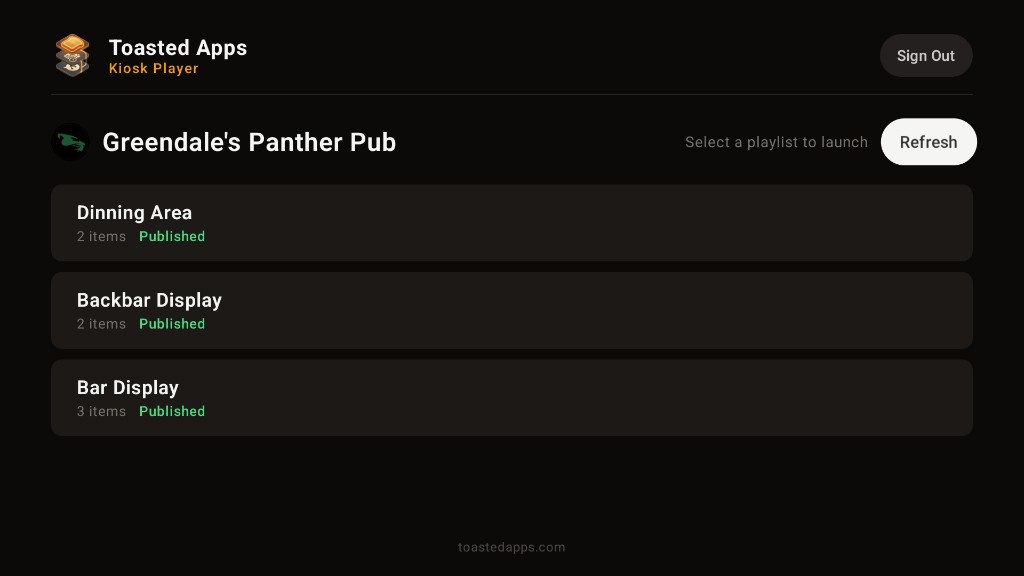
Toasted Apps digital menu boards are built around this operating approach: use Toast menu data as the starting point, choose customer-facing layouts, and publish playlists for different screens or service needs. Toasted Apps is independent and is not affiliated with or endorsed by Toast, Inc.
The best menu board is not the one with the most animation. It is the one guests can read and the team can keep correct.
Start a free trial to test the workflow with your restaurant’s menu.
This article was prepared with AI assistance and reviewed against Toasted Apps product facts and first-hand restaurant operating experience.