Online reservations
A Shift-Ready Plan for Restaurant Online Booking Hours
Online booking hours should reflect when your team can seat and serve guests, not simply when the doors are open. This guide turns shift constraints into rules you can review and maintain.
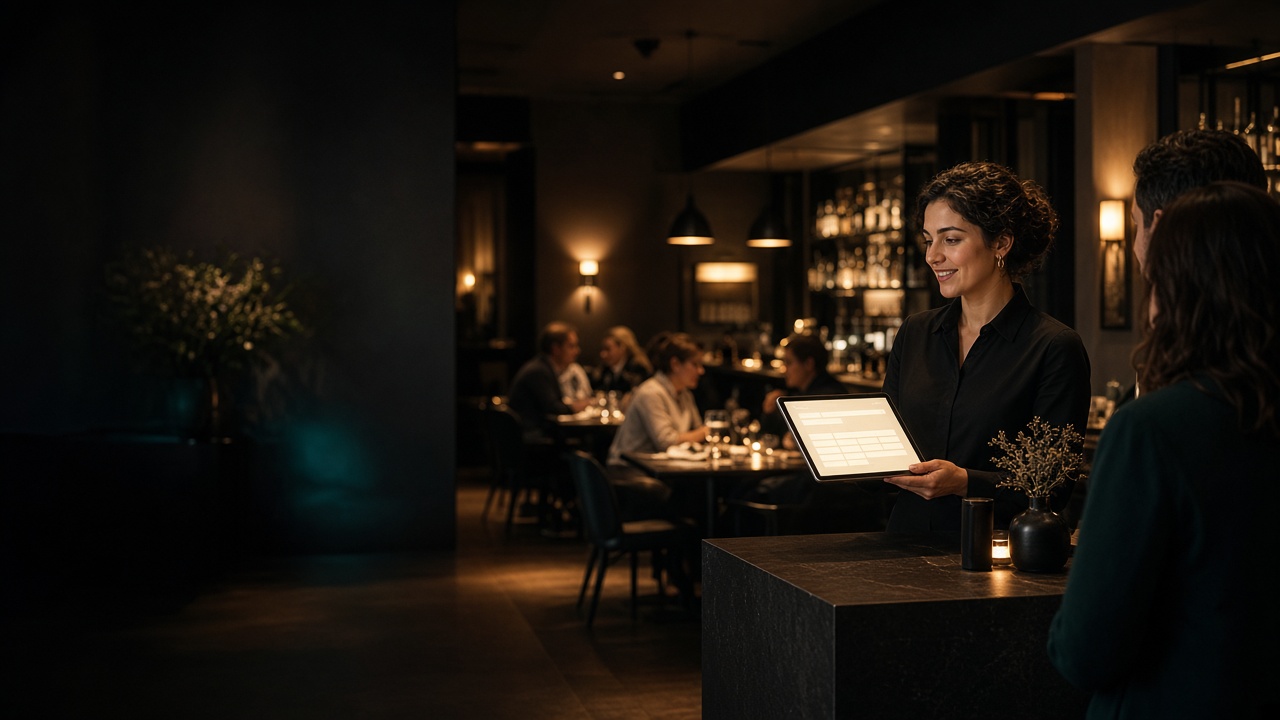
Online reservation hours look simple on a settings screen. Pick a start time, pick an end time, and let guests book.
The dining room experiences those choices differently. An early reservation may arrive before the line is ready. A late seating can keep the kitchen, bar, and closing crew working beyond the shift you planned. A large party booked during a thinly staffed period can strain an otherwise manageable service.
The goal is not to make every possible table available online. It is to offer reservation times your team can consistently honor.
Separate opening hours from bookable service hours
Your public opening hours answer, “When can a guest walk in?” Online booking hours answer a more specific question:
At what times are we prepared to seat a reserved party and provide the experience they reasonably expect?
Those hours may not match.
For example, a restaurant might open its doors at 4:00 p.m. while the full dinner line is not ready until 4:30. The bar may be able to welcome walk-ins during that first half hour, but placing a reserved dinner party at a table could create an immediate delay.
The same distinction matters at closing. If the posted closing time is 10:00 p.m., that does not automatically make 9:45 p.m. an appropriate reservation time. The final online seating should reflect how long the kitchen accepts orders, the service your menu requires, and how late the scheduled crew can reasonably work.
Map the real service window before changing settings
Start with a recent schedule and talk through the shift with the people who run it. Review each daypart separately rather than copying one set of hours across the week.
For every service, write down:
- When the host or manager is ready to receive reserved parties
- When the kitchen can begin full service
- When the bar is prepared for the expected volume
- Any handoff between lunch, happy hour, and dinner
- When the kitchen stops accepting full-menu orders
- The latest seating the closing crew can serve properly
- Periods when staffing or prep routinely limits capacity
- Recurring events, private parties, or promotions that change the floor plan
Use the latest time among the opening constraints. If the host is ready at 4:00 but the kitchen is ready at 4:30, the safer dinner booking start is 4:30.
At the end of service, work backward from the operational limit. Do not use the posted closing time without considering what happens after a party sits down.
Calculate the last reservation from the shift backward
A practical last-seating decision accounts for the entire visit, not just the time needed to place an order.
Consider:
- Greeting and drink orders
- Menu review and food ordering
- Kitchen production time
- Time between courses
- Dessert or another round
- Payment and departure
- Reset and closing work
Suppose a dining room must be cleared by 10:00 p.m. and the team plans around a 90-minute dining window for a particular table type. An 8:30 p.m. last seating may be a reasonable starting point. It still needs to be checked against actual kitchen close procedures and the way guests use the room.
This is an operating assumption, not a promise that every table will leave on schedule. Build in enough margin that one delayed entrée or additional round does not immediately put the closing crew behind.
Treat each day and daypart as its own service
Friday dinner rarely behaves like Tuesday dinner. Brunch may have different table use, staffing, and kitchen pressure than an evening service. A single weekly rule can hide those differences.
A working service-hours grid might look like this:
| Service | Doors open | First online seating | Last online seating | Reason for difference |
|---|---|---|---|---|
| Tuesday dinner | 4:00 p.m. | 4:30 p.m. | 8:30 p.m. | Full line starts later; smaller closing crew |
| Friday dinner | 4:00 p.m. | 4:00 p.m. | 9:00 p.m. | Full team scheduled for the longer service |
| Sunday brunch | 9:00 a.m. | 9:15 a.m. | 1:30 p.m. | Short opening buffer and afternoon reset |
These times are examples, not recommended defaults. Use the constraints of your own menu, crew, and dining room.
If there is a break between services, represent it clearly. A restaurant serving lunch until 2:00 p.m. and dinner beginning at 5:00 p.m. should not leave the entire afternoon bookable unless it is prepared to run full table service during that gap.
Add lead time based on what the team must prepare
Service hours establish when a party can be seated. Lead time establishes how close to that seating a guest can make the reservation.
Before choosing a lead-time rule, ask what happens when a booking appears:
- Does a host actively monitor new reservations?
- Does the floor plan need to change for certain party sizes?
- Will tables need to be combined?
- Does the kitchen need warning for the expected cover count?
- Can a same-hour reservation be missed during a rush?
Short lead time preserves flexibility for guests but requires the team to notice and absorb new bookings quickly. Longer lead time provides more preparation time but may turn away guests who are deciding where to eat now.
Choose the shortest notice period the restaurant can reliably manage, then make sure the person responsible for each shift knows where new bookings appear.
Set a booking horizon the schedule can support
The booking horizon determines how far into the future guests can reserve.
A long horizon can be useful for guests planning ahead, but it creates more exposure to schedule changes, special events, seasonal hours, and private bookings that have not yet been finalized. A short horizon gives operators more control but may frustrate guests planning celebrations or group meals.
Before extending the horizon, confirm that you know:
- The operating calendar for that period
- Holiday and seasonal hours
- Planned closures or maintenance
- Private-event commitments
- Any dates with an altered dining-room layout
Review the calendar before each new block of dates becomes available. Future availability should be intentional, not merely left open because the weekly template repeats.
Use party limits to protect difficult periods
A table may physically seat a large group while the shift cannot operationally support that group at every time.
When setting party limits, consider more than chair count:
- How many tables must be combined
- Whether the group blocks an aisle or service station
- How a single large order affects the kitchen
- Whether separate checks are common
- How many other reservations can be seated at the same time
- Whether a manager needs to review larger parties directly
The tradeoff is straightforward: allowing larger parties to book automatically reduces phone work, but it also reduces the opportunity for a person to assess timing and layout. If large groups require special handling, keep the online party limit within the size the shift can accept without extra review.
Build an exception process for the nights that are not normal
Recurring hours are only the baseline. Call-outs, equipment trouble, weather, buyouts, and unexpectedly heavy walk-in traffic can make a normally safe reservation window unrealistic.
Assign one role per shift to review the reservation list or calendar and make necessary operating decisions. That person should know:
- Who can change availability
- How the host stand will be informed
- How affected guests will be contacted
- Which manager can approve an exception
- How changes will be recorded for the next shift
Confirmations and reminders help communicate an existing booking, but they do not create staffing or kitchen capacity. The team still needs a clear daily review.
Test the rules from a guest’s point of view
After configuring the schedule, try to make reservations as if you were a guest. Check the edge cases, not just a comfortable Saturday slot.
Opening-edge test
- Can a guest book before the host and kitchen are ready?
- Is the first available time correct for every day?
- Does brunch or lunch accidentally inherit dinner hours?
Closing-edge test
- Can a guest book later than the kitchen can support?
- Does the last seating leave enough time for the planned experience?
- Are late bookings consistent with the closing crew’s schedule?
Calendar test
- Are closed days actually unavailable?
- Are service gaps blocked?
- Have private events and altered hours been reflected?
- Does the booking horizon expose dates the team has not planned?
Party-size test
- Can a guest reserve more people than the standard floor plan can handle?
- Are larger parties directed to the appropriate review process?
- Do the listed times still work when the largest allowed party books?
Run these checks on a phone as well as a desktop. Record any mismatch between what the guest can select and what the dining room can honor.
Review the schedule with the people working it
A reservation policy can look reasonable in the office and still fail on the floor. Ask the host, kitchen lead, bartender, and closing manager to review the proposed windows.
Use concrete questions:
- “If six guests sit at the first available time, are we ready?”
- “If the largest allowed party takes the last slot, can we serve them without rushing?”
- “Who sees a reservation made shortly before service?”
- “Which day of the week needs different rules?”
- “What recurring exception do we keep handling manually?”
After launch, review the edges of service first. Frequent delays at the opening or final seating are signs that the window needs adjustment. The answer may be a time change, a staffing change, a party-limit change, or a clearer shift responsibility.
Configure the rules in one operating pass
Toasted Apps restaurant reservations supports service hours, lead time, booking horizon, party limits, list and calendar management, confirmations, and reminders.
A practical setup order is:
- Enter service hours for each day and daypart.
- Set lead time based on how quickly the shift can respond.
- Choose a booking horizon that matches the dates you can confidently operate.
- Set party limits around the standard floor plan and kitchen load.
- Review the list and calendar for conflicts.
- Check confirmation and reminder details.
- Make test bookings at the first time, last time, and largest allowed party size.
- Give the shift team a process for exceptions and daily review.
Software can enforce the rules you enter, but it cannot decide whether those rules fit tonight’s crew. The quality of the setup depends on an honest picture of service capacity and regular calendar maintenance.
Operators who want to evaluate this workflow can start a Toasted Apps trial.
Toasted Apps is independent and is not affiliated with or endorsed by Toast, Inc.
A final pre-publish checklist
Before making online reservation hours available, confirm:
- Booking hours are separate from general opening hours where needed
- The first seating matches host, bar, and kitchen readiness
- The last seating leaves enough time for complete service
- Every day and daypart has been reviewed separately
- Service gaps and closed periods are unavailable
- Lead time matches the team’s ability to notice and prepare
- The booking horizon does not extend beyond reliable plans
- Party limits fit the floor plan and kitchen capacity
- Special events and private bookings are reflected on the calendar
- One person per shift owns reservation review and exceptions
- Test bookings have been completed at the edges of availability
The best online booking window is not the widest one. It is the window in which the dining room, kitchen, and closing crew can deliver the service the guest reserved.
Sources and further reading
This article was prepared with AI assistance and reviewed against Toasted Apps product facts and first-hand restaurant operating experience.